Import, Export, and Share Workflows
Export a workflow when you need a portable definition. Share a workflow when other users should access the resource in the current workspace.
Definitions Have Dependencies
Section titled “Definitions Have Dependencies”A workflow definition describes the steps and their configuration. It can refer to an agent, a folder, or an app account that exists only in the original workspace. Treat those references as a checklist to review when making a copy.
Sharing is useful when colleagues should use the same workflow in this workspace. Export is useful when you need its definition elsewhere. Neither transfers an external account’s authorization. Before a recipient runs the workflow, check its editable inputs, source access, and destination account.
Export and inspect
Section titled “Export and inspect”- Open the workflow.
- Open Workflow actions → Export.
- Use the offered export control and save the definition.
- Inspect the file before distributing it, especially fixed inputs and resource references.
The definition can refer to agents, Knowledge folders, app accounts, and child workflows. Exporting the graph does not establish that those dependencies are available to a recipient.
Import or duplicate
Section titled “Import or duplicate”The current editor has an export action; it does not expose a general file-import button. To reuse a definition, provide it through the workflow creation thread and review the generated result. Use the offered duplication action when you need an editable copy of an existing workflow. Give the result a descriptive name and open its editor. Review every required input, agent, folder, and app-account binding before running.
If a definition is rejected, read the validation result. Do not remove validation requirements merely to make the import succeed. Older step contracts may need to be replaced through the current editor.
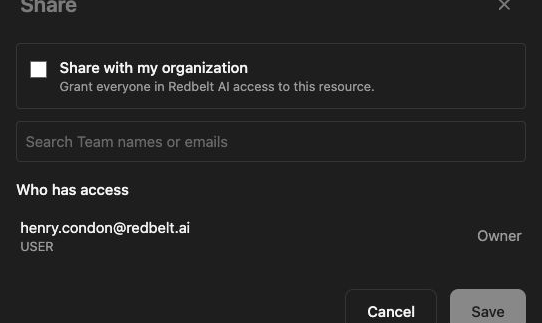
Share within a workspace
Section titled “Share within a workspace”Use the workflow’s sharing action and choose the intended audience and access. Check whether recipients also have access to the linked Knowledge and agents. Sharing a workflow does not transfer your external OAuth authorization to another person or make their provider account able to access your files.
Related: editor, sharing, and app actions.