Spreadsheets
Use Spreadsheets to inspect, analyze, create, or revise workbook files while preserving formulas and checking the resulting values and layout.
Before you start
Section titled “Before you start”Open Customize → Plugins and select this plugin. Choose Add if it is available and not installed; Uninstall means it is already installed. Availability depends on the deployment and administrator policy. Enable the plugin for the selected agent or task using agent setup.
This package does not require a separate external app account for its own Redbelt tools. Its work can still depend on configured services, sandbox availability, selected files, or a separate authorized connection. Adding the package does not grant access to additional data. Review the installed tool controls and handle any requested action approval.
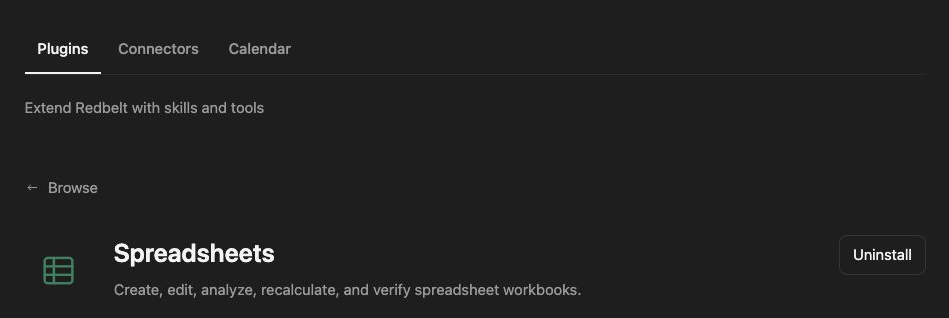
Plugin details under Customize → Plugins. The button shows the current installation state.
Build a launch workbook
Section titled “Build a launch workbook”- Upload the existing tracker or specify the columns for a new workbook.
- Ask Redbelt to inspect its sheets, data types, formulas, and relevant ranges.
- Define the requested changes, such as a milestone table and an owner summary.
- Keep formulas, named ranges, and unrelated formatting intact when editing.
- Recalculate with a compatible engine where available, inspect values and layout, and return the checked workbook.
Update the launch tracker workbook I attach. Add an owner summary showing open milestones and earliest due date. Preserve existing formulas and sheets. Flag missing owners, check the calculated values, and return the revised Excel file.
Match checks to the file
Section titled “Match checks to the file”A bounded preview shows selected cells; it is not an audit of the whole workbook. Inspect the ranges that drive the requested calculation and account for hidden sheets or other dependencies when relevant. Do not replace formulas with displayed values unless requested.
Check totals against source rows and inspect date and number formats. Recalculation support varies, so report formulas whose saved values could not be verified. Preserving a macro-enabled workbook also requires retaining its macro content and correct file type.
CSV and TSV preserve tabular values, not workbook formatting, formulas, or multiple tabs. Use .xlsx when those features matter. For an existing native Google spreadsheet, use Google Sheets rather than silently replacing it with an Excel artifact.
Tool Reference
Section titled “Tool Reference”Thread and workflow availability are listed separately. A tool must also be enabled for your task and allowed by its account and administrator policy. Configure workflow app actions using only actions offered by the current picker.
This package supplies an agent skill and sandbox helpers rather than a separate named app-action tool catalog. Its task workflow is described above.
Troubleshoot
Section titled “Troubleshoot”For inconsistent totals, compare source rows and formulas before changing the calculation. If recalculation is unavailable or unsupported, state that limitation and do not call the workbook fully verified.