Sync Omeda
The Omeda connector imports compact daily data into Knowledge using a brand and API key. Start with one known day before approving a larger historical import.
Before you start
Section titled “Before you start”Obtain the correct brand abbreviation and authorized Omeda API key from your administrator. Decide the earliest date you need and identify a day with known source changes. Enter secrets only in the connection’s API key field.
Configure and preview
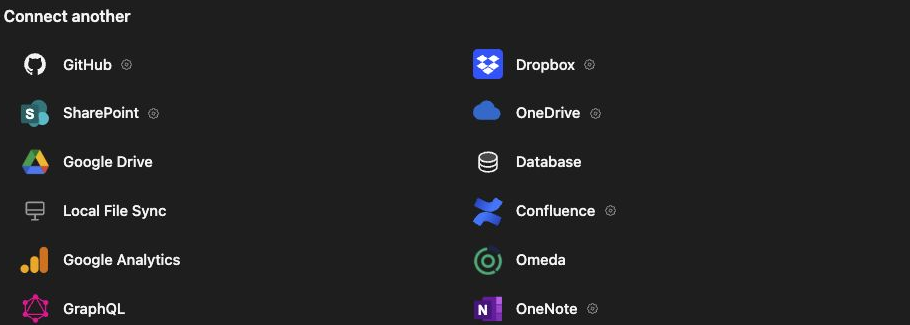
Section titled “Configure and preview”- Open Knowledge → Connectors and choose Omeda.
- Enter Connection name, Brand abbreviation, and API key.
- Set Import changes starting to the first day needed, within the last year through yesterday.
- If your administrator supplies a different endpoint, expand Advanced and enter API base URL. Otherwise retain the Omeda default.
- Set Preview one day on or after the import start and click Preview sample.
- Review the sample summary and warnings.
- Click Save and preview import, inspect the full import, then Start sync.
When editing an existing connection, leaving the API key blank keeps the saved key. After changing configuration or the sample date, request a new sample before saving. A preview of one day does not cover every day in the import window.
Verify imported content
Section titled “Verify imported content”Open a resulting daily JSON file in Knowledge and compare its date and summarized content with the source. Check the connection’s run status and failures separately from whether a particular day contains records.
The underlying configuration supports projections, email hashing, optional article enrichment, and raw-payload storage settings. These are not all exposed by the basic setup form. Ask your administrator to review the projection before assuming that a missing field will be present, or that an email address will be stored in plain text.
Troubleshooting
Section titled “Troubleshooting”Check brand/key compatibility and the selected day if the sample is empty. A day without source changes may legitimately contain no imported records. Authentication errors require a valid key; changing the historical start date will not fix them. Check the saved connection before repeating an import after an uncertain response.
Related: Google Analytics, GraphQL content, and Knowledge search.