Database
Use Database to inspect authorized database scopes, query selected data, and invoke approved procedures without treating imported schema metadata as table contents.
Before you start
Section titled “Before you start”Open Customize → Plugins and select this plugin. Choose Add if it is available and not installed; Uninstall means it is already installed. Availability depends on the deployment and administrator policy. Enable the plugin for the selected agent or task using agent setup.
Configure the intended database connection first; this plugin uses its authorized scope. Its work can still depend on configured services, sandbox availability, selected files, or a separate authorized connection. Adding the package does not grant access to additional data. Review the installed tool controls and handle any requested action approval.
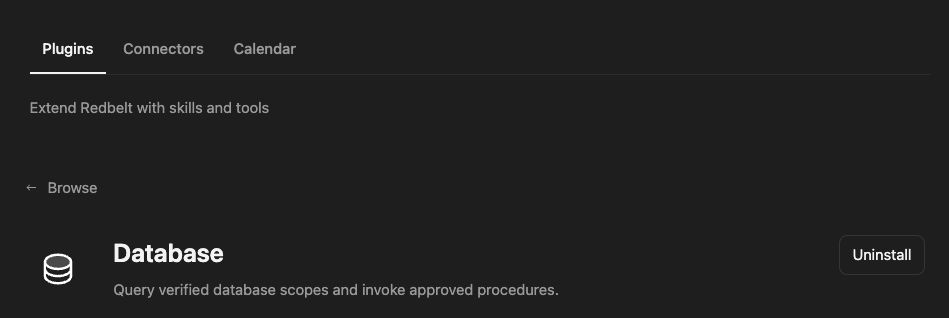
Plugin details under Customize → Plugins. The button shows the current installation state.
Answer a bounded business question
Section titled “Answer a bounded business question”- Select the database connection’s Knowledge folder or provide its canonical path.
- Ask Redbelt to inspect the schema, verification state, readable scope, and approved routines.
- Search schema metadata to locate the relevant order or launch tables.
- Prepare a parameterized query for the selected date range with a modest row limit.
- Review the query and parameters, execute it within the connection policy, and inspect the returned columns, row count, and any truncation.
Inspect our reporting connection and identify the tables needed to count launch orders by day. Propose a parameterized read query for October 1–23, 2026, with a maximum of 50 result rows. Show me the query and source scope before executing it.
Respect the connection mode
Section titled “Respect the connection mode”Database search finds imported schema, saved-query, and routine metadata. It does not search live table rows. Use an authorized query for row data. Read-only and write-capable connection policies remain authoritative even when the plugin is enabled.
Query and execute require a usable statement and the correct selected scope; an input schema’s optional field does not mean an empty execution is useful. Use bound parameters instead of interpolating values into SQL.
Approved stored procedures use the dedicated routine-invocation tool and the discovered routine identity. Supply IN and INOUT arguments according to its signature; inspect returned result sets and OUT/INOUT values. Do not substitute arbitrary procedure text or assume every routine is approved.
See the database connector for connection setup and scope.
Tool Reference
Section titled “Tool Reference”Thread and workflow availability are listed separately. A tool must also be enabled for your task and allowed by its account and administrator policy. Configure workflow app actions using only actions offered by the current picker.
Available Tools
Section titled “Available Tools”| Tool | Required Fields | Thread | Workflow |
|---|---|---|---|
database.query |
sql |
Yes | No |
database.read |
No mandatory top-level fields | Yes | No |
database.routine.invoke |
routine |
Yes | No |
database.search |
query |
Yes | No |
Required fields above are the schema minimum. The target, selected operation, or account can impose additional requirements.
database.query — Execute a parameterized query or supported single-table write within the verified account policy.
Optional fields: folder_id, folder_path, parameters, row_limit, timeout_ms.
database.read — Inspect database schema, verification state, readable scope, and approved routines.
Optional fields: folder_id, folder_ids, folder_path, upload_ids.
database.routine.invoke — Database Routine Invoke.
Optional fields: arguments, folder_id, folder_path, row_limit, timeout_ms.
database.search — Search imported database schema, saved queries, and routine metadata—not table rows.
Optional fields: folder_id, folder_ids, folder_path, limit, upload_ids.
Troubleshoot
Section titled “Troubleshoot”For a policy or verification rejection, inspect the connection metadata and ask the administrator to resolve its configuration. For an unexpected empty result, check parameters and scope rather than widening permissions.