Connect a Calendar and Manage Meetings
The calendar view lists upcoming events and provides meeting-specific controls. A calendar connection supplies events; the notetaker configuration determines which meetings Redbelt attempts to attend.
Calendar Events and Attendance Are Separate
Section titled “Calendar Events and Attendance Are Separate”A connected calendar tells Redbelt which meetings exist. The notetaker’s settings decide which eligible meetings it should attempt to attend. A meeting appearing in Upcoming therefore does not prove that a recording or transcript will be produced.
Check the event’s time, calendar, and video link before changing its settings. For a recurring review, decide whether the change applies to one occurrence or the series. Your calendar connection, the meeting platform, and the notetaker can each have their own readiness state.
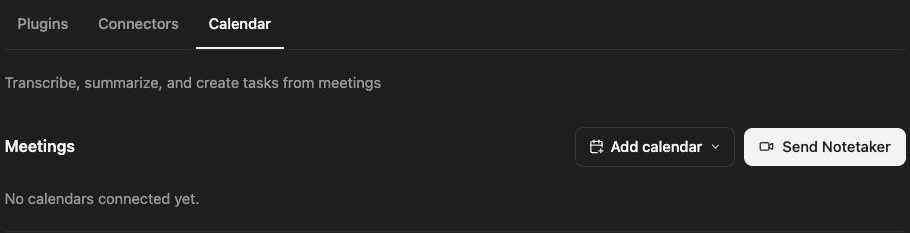
Connect and review
Section titled “Connect and review”- Open Customize → Calendar.
- Use the add-calendar control and choose the offered Google or Outlook provider.
- Sign in to the intended account and complete the normal authorization flow.
- Return to Redbelt and inspect Connected calendars and connection health.
- Review the Upcoming meetings and the selected date range.
Check the event’s title, time, calendar, and video link. Confirm that the displayed event is the meeting you intend to manage, particularly if several calendars contain similarly named events.
Manage a meeting
Section titled “Manage a meeting”Open its settings to review the summary template and notetaker choices. Join opens the meeting destination; it does not itself confirm the notetaker joined. Recurring meetings can offer a choice between one occurrence and the series. Read that scope before applying a change.
Troubleshoot or disconnect
Section titled “Troubleshoot or disconnect”If events are missing, check the range, connected account, and connection health. A calendar without a supported video link may not be eligible for attendance. Use the connected-calendar controls to disconnect deliberately; inspect any effect on future meeting coverage before doing so.
Related: notetaker setup and meeting results.