Tasks
Use Tasks to create, inspect, update, archive, and resolve proposed work items inside Redbelt.
Before you start
Section titled “Before you start”Open Customize → Plugins and select this plugin. Choose Add if it is available and not installed; Uninstall means it is already installed. Availability depends on the deployment and administrator policy. Enable the plugin for the selected agent or task using agent setup.
This package does not require a separate external app account for its own Redbelt tools. Its work can still depend on configured services, sandbox availability, selected files, or a separate authorized connection. Adding the package does not grant access to additional data. Review the installed tool controls and handle any requested action approval.
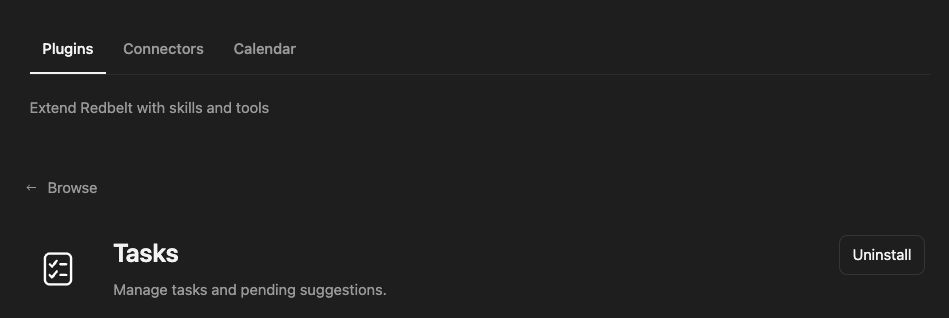
Plugin details under Customize → Plugins. The button shows the current installation state.
Capture a launch follow-up
Section titled “Capture a launch follow-up”- Read or search the relevant task context to avoid adding an existing follow-up twice.
- Prepare a task such as Complete Accessibility Review with a clear description, due date, and intended assignee.
- Request a task suggestion when you want a proposal for review, or creation when the details are agreed.
- Read the returned task to check its saved title, assignment, and due date.
- Update the task when its status or details change, then read the result again.
Prepare a task called Complete Accessibility Review. Include keyboard navigation and contrast checks in the description. Ask me for the due date, assignee, and destination folder, then show me the details before creating it.
Distinguish a suggestion from a task
Section titled “Distinguish a suggestion from a task”Creation can propose work using the suggested option. A pending suggestion is not the same as an accepted assignment. Resolve it using the offered Accept, Deny, or Pass decision and its current pending-assignment identifier when that flow applies.
Reading and updating use structured requests that identify the intended task or selection. Include the task ID returned by discovery rather than relying on a title that may not be unique. Keep updates limited to the fields you intend to change.
The delete-named tool archives a task through Redbelt’s task service; it is a recoverable cleanup operation. See Manage Tasks for the product’s task views and normal management experience. Thread history is managed separately by the Threads plugin.
Tool Reference
Section titled “Tool Reference”Thread and workflow availability are listed separately. A tool must also be enabled for your task and allowed by its account and administrator policy. Configure workflow app actions using only actions offered by the current picker.
Available Tools
Section titled “Available Tools”| Tool | Required Fields | Thread | Workflow |
|---|---|---|---|
tasks.create |
task |
Yes | No |
tasks.delete |
task_id |
Yes | No |
tasks.read |
request |
Yes | No |
tasks.update |
request |
Yes | No |
Required fields above are the schema minimum. The target, selected operation, or account can impose additional requirements.
tasks.create — Create a task or subtask; suggested=true presents it for human review in folder_id (default My Tasks).
Optional fields: parent_task_id.
tasks.delete — Archive a task (recoverable deletion); include subtasks only when explicitly requested.
Optional fields: include_subtasks.
tasks.read — Read real tasks, pending suggestions, or the selected folder’s permitted task metadata.
tasks.update — Edit tasks and pending proposals; suggestion decisions require an explicit user request and pending assignment ID.
Troubleshoot
Section titled “Troubleshoot”If an assignment decision fails, refresh the task and pending suggestion first. If a title matches several tasks, select the intended ID before changing its status or archiving it.