Review Usage and Spending Limits
Usage views show activity for the selected organization and billing period. Use them to understand consumption before changing a limit.
Read Costs in Context
Section titled “Read Costs in Context”Token counts measure model input and output; cost depends on the selected model and other billable work. A larger model can cost more for comparable text. Auto can use efficient models for lighter work, while a demanding thread may retain a stronger selection.
Compare the same period and source before explaining a change in usage. Scheduled work and repeated workflow runs can consume usage without a new manual message. Member, workspace, and provider limits are separate constraints, so inspect the reported reason when a run is blocked.
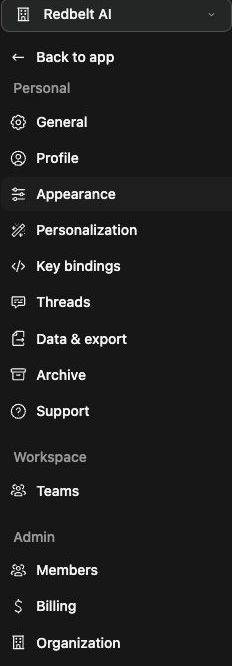
Inspect organization usage
Section titled “Inspect organization usage”- Open Settings → Organization.
- Review the available usage activity, period, and sources.
- Compare the displayed units: token counts, costs, and quotas are not interchangeable.
- Open Settings → Members for organization-pool and per-member details.
- Inspect the relevant member’s activity and usage sources.
For a launch workflow, check whether consumption comes from manual threads, scheduled work, or repeated runs before assuming a single message caused the change.
Set a member limit
Section titled “Set a member limit”Where available, open the member’s settings, edit the Monthly limit in dollars, and use Save limit. Confirm the persisted value and applicable period. Only authorized administrators can change these controls.
A configured spending limit is not a prediction of a model request’s exact cost. Workspace and provider limits can also prevent a run even when a member’s limit has not been reached.
Troubleshoot unexpected usage
Section titled “Troubleshoot unexpected usage”Review automatic triggers and run history for repeated work. Compare the period and source details before changing configuration. If a limit or budget blocks work, inspect the reported cause rather than disabling unrelated controls. Older usage URLs can redirect to the current Organization view.
Related: billing, members, and workflow results.