Telnyx
Use Telnyx to send a reviewed transactional text message through a configured messaging account.
Before you start
Section titled “Before you start”Open Customize → Plugins and select this plugin. Add installs an available package; Uninstall means it is already installed. An offered Update refreshes its package version. Your deployment and administrator policy determine availability.
When Add Account is offered, follow its connection instructions using an authorized account that owns or can access the intended resource. If several accounts are connected, check the selected account and Default before the task. Reconnect refreshes an expired connection; an administrator setup notice needs administrator configuration.
Enable the plugin for the selected agent or task. On an installed plugin’s Tools table, check Enabled and the Approval setting for the operations you intend to use. New tasks use these settings; a pending approval still needs a decision. See agent setup and action approvals.
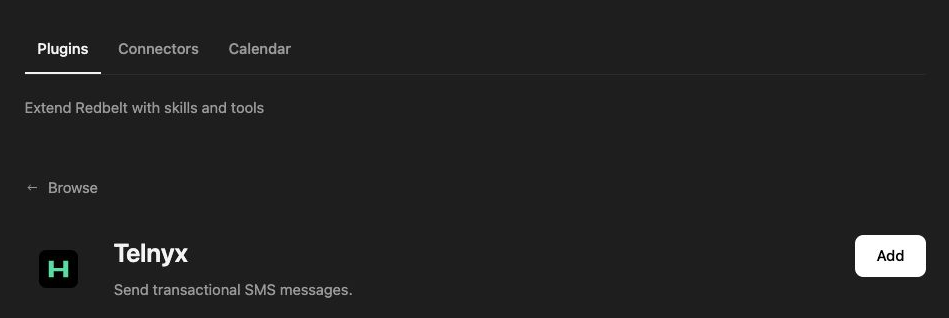
Plugin details under Customize → Plugins. The button shows the current installation state.
Send a concise reminder
Section titled “Send a concise reminder”- Confirm that your organization has configured the Telnyx connection and sender.
- Provide the intended destination phone number in international format.
- Draft a short reminder with the date, time, and time zone.
- Review the recipient and exact message before requesting the send.
- Inspect the returned result and delivery information available from your provider.
Prepare an appointment reminder using the date, time, time zone, and recipient phone number I provide. Include a request to review the agenda beforehand. Show me the recipient and message before sending it.
Keep the send explicit
Section titled “Keep the send explicit”The current tool accepts a destination and body. Sender configuration belongs to the connected provider account; putting a different sender in the message text does not change it.
A message proposal in the thread is not a transmitted SMS. Sending can incur messaging charges and must follow your organization’s permitted recipients and consent requirements. The tool does not expose bulk campaigns, inbox reading, or phone-number provisioning.
A successful API response records the provider’s acceptance of the request. Confirm delivery through the provider’s available status reporting when necessary. Check the previous result before retrying after an interruption.
Tool Reference
Section titled “Tool Reference”Thread and workflow availability are listed separately. A tool must also be enabled for your task and allowed by its account and administrator policy. Configure workflow app actions using only actions offered by the current picker.
Available Tools
Section titled “Available Tools”| Tool | Required Fields | Thread | Workflow |
|---|---|---|---|
telnyx.send_sms |
to, body |
Yes | Yes |
Required fields above are the schema minimum. The target, selected operation, or account can impose additional requirements.
telnyx.send_sms — Send a transactional SMS using the connected Telnyx account’s configured default sender.
Troubleshoot
Section titled “Troubleshoot”For an invalid-number or sender error, check the exact destination format and configured sending account. Do not repeatedly retry a provider rejection without resolving its cause.
Provider details: Telnyx messaging documentation.