Sandbox
Use Sandbox to run commands in a task workspace, inspect outputs, process files, and produce checked artifacts for download.
Before you start
Section titled “Before you start”Open Customize → Plugins and select this plugin. Choose Add if it is available and not installed; Uninstall means it is already installed. Availability depends on the deployment and administrator policy. Enable the plugin for the selected agent or task using agent setup.
This package does not require a separate external app account for its own Redbelt tools. Its work can still depend on configured services, sandbox availability, selected files, or a separate authorized connection. Adding the package does not grant access to additional data. Review the installed tool controls and handle any requested action approval.
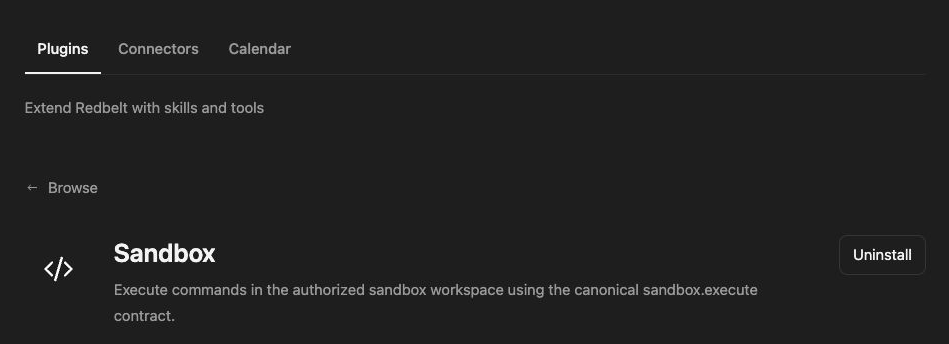
Plugin details under Customize → Plugins. The button shows the current installation state.
Transform a launch data file
Section titled “Transform a launch data file”- Provide the source file through the thread or an authorized download, and ask Redbelt to inspect its actual structure.
- Define the transformation: for example, count milestones by owner and due date.
- Run the necessary command in the task workspace and inspect standard output, errors, and exit status.
- Check the resulting file’s contents, then return the final artifact.
- Keep intermediate calculations separate from the deliverable you intend to share.
Read the launch tracker CSV I attach. Validate its columns, group milestones by owner, and create a summary CSV with open-task counts and the earliest due date. Report missing owners and verify the saved output before returning it.
Understand workspace execution
Section titled “Understand workspace execution”The command tool executes in the authorized sandbox workspace. Use explicit paths and inspect the command result; a filename mentioned in a response is not proof that the file exists. A nonzero exit or error output should be resolved before treating the deliverable as complete.
Files can be reused during the task, but local working files and returned artifacts are different states. Ask for the final file explicitly and verify that its link is present in the Redbelt response. Avoid exposing credentials in commands, logs, or generated files.
Word documents, PDF, PowerPoint, and Spreadsheets use sandbox work to create and check their file deliverables. They do not require external office accounts for local file creation.
Tool Reference
Section titled “Tool Reference”Thread and workflow availability are listed separately. A tool must also be enabled for your task and allowed by its account and administrator policy. Configure workflow app actions using only actions offered by the current picker.
Available Tools
Section titled “Available Tools”| Tool | Required Fields | Thread | Workflow |
|---|---|---|---|
sandbox.execute |
command |
Yes | No |
Required fields above are the schema minimum. The target, selected operation, or account can impose additional requirements.
sandbox.execute — Run shell commands in the persistent workspace; return stdout/stderr and exit status.
Optional fields: cwd, timeout_seconds.
Troubleshoot
Section titled “Troubleshoot”If sandbox startup fails, ask your administrator to check the runtime rather than retrying indefinitely. If a command succeeds but its artifact is absent, inspect the output path and request a verified final file.