PowerPoint
Use PowerPoint to create or edit a downloadable presentation while reviewing slide layout before returning the final deck.
Before you start
Section titled “Before you start”Open Customize → Plugins and select this plugin. Choose Add if it is available and not installed; Uninstall means it is already installed. Availability depends on the deployment and administrator policy. Enable the plugin for the selected agent or task using agent setup.
This package does not require a separate external app account for its own Redbelt tools. Its work can still depend on configured services, sandbox availability, selected files, or a separate authorized connection. Adding the package does not grant access to additional data. Review the installed tool controls and handle any requested action approval.
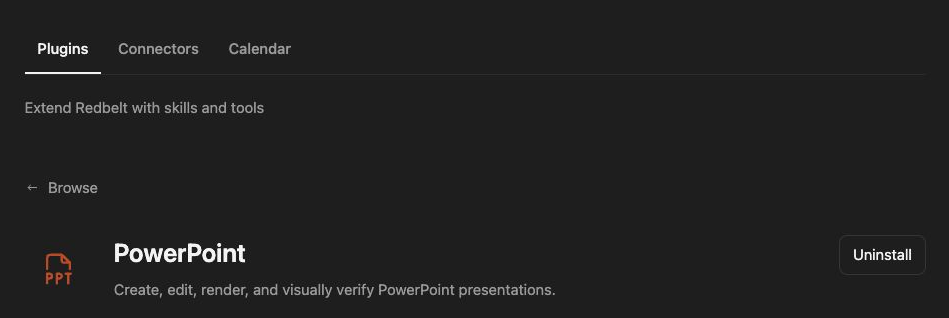
Plugin details under Customize → Plugins. The button shows the current installation state.
Build a launch review deck
Section titled “Build a launch review deck”- Provide source notes, the audience, and an existing deck or template when its style should be preserved.
- Review an outline with four slides: Launch Goal, Milestones, Risks, and Decisions Needed.
- Ask Redbelt to build the deck with short headings and concise slide content.
- Render and inspect every generated slide, or every changed slide when editing.
- Fix overflow, alignment, and readability problems before returning the
.pptx.
Create a four-slide Project Review from the notes I attach. Use the attached deck as the style reference. Keep each slide focused on one point, preserve its theme, and inspect the rendered slides before returning the PowerPoint file.
Preserve the intended deck
Section titled “Preserve the intended deck”Creating a new deck and editing an established deck have different requirements. For an edit, use the actual source presentation, keep untouched slides intact, and check the original design before making changes. Text extracted from a slide does not capture its layout or visual hierarchy.
Ask for speaker notes only when they are useful, and specify whether those notes should be a script, cue cards, or background explanation. Notes do not replace the visible slide content your audience needs.
This package creates and edits files through the sandbox. Use Google Slides to work with a native Google presentation. Returning a .pptx artifact does not publish it or upload it to a connected drive.
Tool Reference
Section titled “Tool Reference”Thread and workflow availability are listed separately. A tool must also be enabled for your task and allowed by its account and administrator policy. Configure workflow app actions using only actions offered by the current picker.
This package supplies an agent skill and sandbox helpers rather than a separate named app-action tool catalog. Its task workflow is described above.
Troubleshoot
Section titled “Troubleshoot”If slides contain clipping or awkward wrapping, ask for a rendered correction before accepting the file. For a style mismatch, compare the edited deck with the actual source template.