Ask Questions During a Live Meeting
The live meeting assistant helps you ask about a meeting while it is underway. Its view is limited by the transcript and context available at that point.
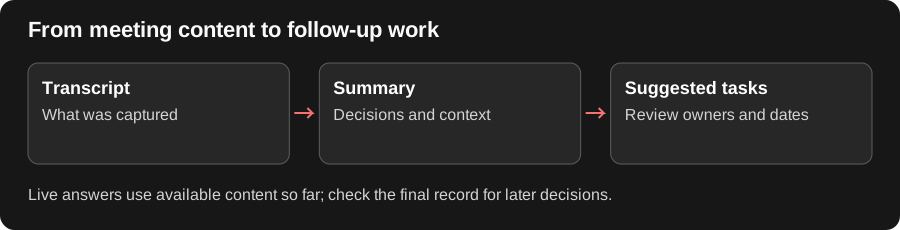
Ask a Narrow Question During the Meeting
Section titled “Ask a Narrow Question During the Meeting”Live questions are useful when you need help following an ongoing discussion: “What decisions have we made so far?” or “Which launch risks remain unresolved?” The answer can only use the material available at that point; later discussion may change it.
Treat a live answer as a working aid. Recheck the final transcript and summary for decisions made after the question. If the feature has not received live meeting content or is unavailable in your deployment, a visible meeting event alone cannot supply an answer.
Before you start
Section titled “Before you start”The meeting must have an active, supported capture session, and your account must be allowed to access it. Joining the video call by yourself does not start Redbelt’s capture automatically.
Ask a focused question
Section titled “Ask a focused question”-
Open the live meeting’s view in Redbelt.
-
Confirm the meeting title and live state.
-
Open the assistant or question control offered for that session.
-
Ask a question tied to the discussion, such as:
Which launch tasks have an owner and deadline so far? List any still missing either.
-
Read the answer and compare it with the live transcript.
Ask a follow-up in the same meeting context when the discussion changes. A deadline mentioned later may not appear in an answer generated earlier.
Check limitations
Section titled “Check limitations”Treat unavailable or partial transcript content as missing information. If the assistant has not received the relevant passage, ask again after capture catches up or inspect the completed transcript afterward. Do not treat a generated answer as a new decision agreed by the meeting participants.
If the live session is missing, inspect notetaker attendance and meeting health. After the meeting, use its completed files to confirm the final decisions.
Related: notetaker setup and meeting results.