Sync Database
A Database connection lets Redbelt work with approved database objects. It queries the connected database rather than importing a set of daily files into Knowledge. Database permissions and Redbelt’s selected access policy both matter.
Before you start
Section titled “Before you start”Ask the database owner for a supported engine and connection details. The setup supports MySQL, PostgreSQL, SQL Server, and SQLite. Network access is from the Redbelt deployment; a host reachable from your laptop may not be reachable there. Use a database account scoped to the intended work.
Connect and review access
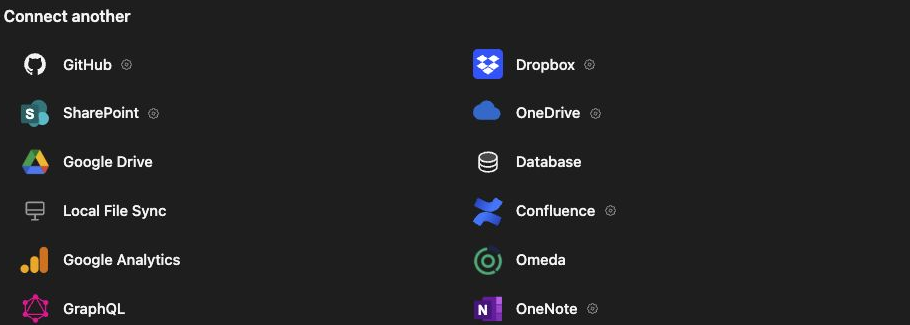
Section titled “Connect and review access”- Open Knowledge → Connectors and choose Database.
- Select the database engine.
- For a network database, choose Read only, Read and write, or Admin to match the intended access. Review Allow procedures separately.
- Enter Host, Port, Database, Username, and Password, plus Default schema where offered. Follow the displayed connection-security instructions; PostgreSQL and MySQL support custom certificate input.
- For SQLite, enter the Database file path accessible to the deployment. SQLite uses a read-only file connection.
- Click Choose tables and procedures to discover the available objects.
- Review and select the tables, views, and any explicitly permitted procedures.
- Resolve permission findings and click Connect database.
The setup offers database-side account instructions. Have the database owner review and apply those instructions; changing a Redbelt setting does not grant native access. Procedures may change data beyond readable tables, even when their names sound harmless.
Verify with a bounded question
Section titled “Verify with a bounded question”Select the database as Knowledge for a thread and ask a specific question, such as “Show the number of open orders by region.” Inspect the query and result. A saved connection alone does not establish that a query succeeded. Confirm that unselected objects remain outside the intended scope.
For a write-enabled connection, review proposed actions and verify their result in the database before retrying an interrupted action. Keep reporting access read-only when the task does not require changes.
Troubleshooting
Section titled “Troubleshooting”Check network reachability, credentials, certificate trust, schema selection, and native grants separately. If you change the database target, review its objects again before saving. A matching table name in another database is a different target.
Related: Knowledge in threads, action approvals, and workflow steps.