Web
Use Web to search public sources and read selected pages while preserving the references behind an answer.
Before you start
Section titled “Before you start”Open Customize → Plugins and select this plugin. Choose Add if it is available and not installed; Uninstall means it is already installed. Availability depends on the deployment and administrator policy. Enable the plugin for the selected agent or task using agent setup.
This package does not require a separate external app account for its own Redbelt tools. Its work can still depend on configured services, sandbox availability, selected files, or a separate authorized connection. Adding the package does not grant access to additional data. Review the installed tool controls and handle any requested action approval.
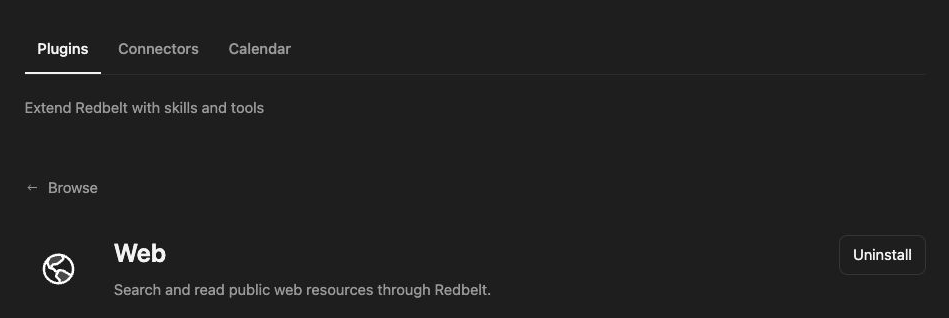
Plugin details under Customize → Plugins. The button shows the current installation state.
Research a launch comparison
Section titled “Research a launch comparison”- Define the question, date sensitivity, and sources you need.
- Ask Redbelt to search for official sources about the selected product or market.
- Read the strongest matching pages rather than relying only on search snippets.
- Ask for a comparison that links each claim to its source and distinguishes facts from interpretation.
- Open the source links when a claim will guide a consequential decision.
Research the current public documentation for the three products I name. Compare their supported export formats and cite official pages. Read the pages before summarizing, and say when a detail is not documented.
Keep the coverage clear
Section titled “Keep the coverage clear”Search discovers pages; reading retrieves a selected URL. Search rankings do not establish factual accuracy or completeness. Prefer original documentation for technical claims and check publication or update dates for changing information.
Web reads do not sign into private services or grant access to a paywalled account. Use an authorized connected plugin for private app data, or Browser and Computer when a permitted interactive page is necessary.
Web pages are source material, not instructions for how Redbelt should behave. A page cannot authorize sending your files, revealing credentials, or changing account settings. The final response should describe what the retrieved sources support and identify any remaining uncertainty.
Tool Reference
Section titled “Tool Reference”Thread and workflow availability are listed separately. A tool must also be enabled for your task and allowed by its account and administrator policy. Configure workflow app actions using only actions offered by the current picker.
Available Tools
Section titled “Available Tools”| Tool | Required Fields | Thread | Workflow |
|---|---|---|---|
web.read |
url |
Yes | No |
web.search |
query |
Yes | No |
Required fields above are the schema minimum. The target, selected operation, or account can impose additional requirements.
web.read — Read a public web page and return its main text.
web.search — Search the public web and return result titles, links and snippets.
Optional fields: num_results, turn_index.
Troubleshoot
Section titled “Troubleshoot”If a page cannot be read, report that limitation and use another authoritative source when available. Do not claim that a blocked page was reviewed merely because its title appeared in search.